Watch Party: Watching a Film Together From Two Cities
Watching a film with someone who isn’t in the same room usually goes like this. You both press play on “three”, one of you is two seconds ahead, someone pauses to get a drink, and then you spend the rest of the evening typing “where are you now?”
Watch Party (Birlikte İzle in Turkish) fixes exactly that, and not much else. One person picks a film, the other opens an invite link, and from then on there’s one play button for both of you. Pause on one side and it pauses on the other. Skip ahead and you both land in the same place.
What you can watch
There are three ways in:
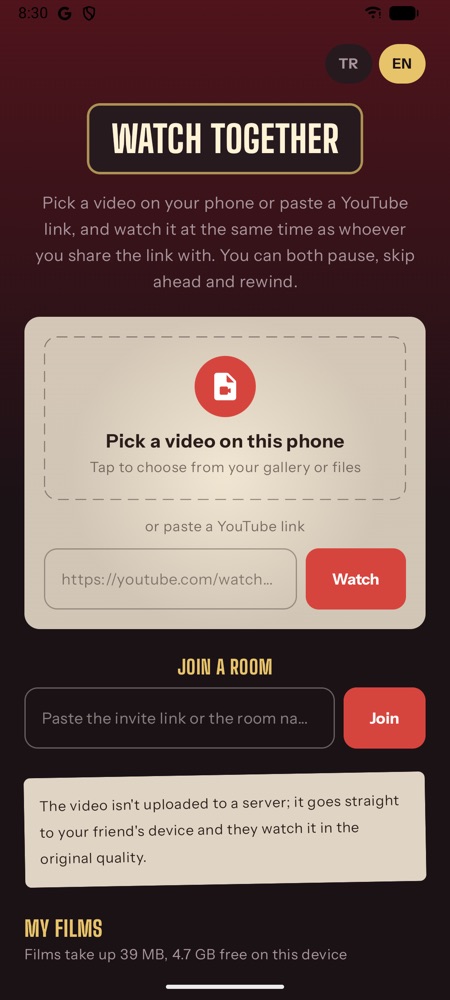
- A film file from your computer or phone. Whatever you have, an MP4 or an MKV you’ve had lying around for years.
- A YouTube video. Paste the link and both of you watch it through YouTube’s own player.
- Live mode on the web, where the host’s browser streams the picture directly. It’s the fallback when the guest can’t download the file.
The film doesn’t go through any server. The two devices connect directly with WebRTC, and the only thing on my side is a small signalling service that introduces them. When a direct connection isn’t possible (some mobile networks and office firewalls simply won’t allow it), traffic goes through Cloudflare’s TURN relays. The credentials for those are short-lived and handed out by the server, so nothing secret ships inside the app.
Why the guest downloads the whole film
My first version streamed the video from the host’s browser to the guest, like a video call with a film in it. It worked, but you could see it was a video call: blocky in dark scenes, blurry whenever there was motion, and only as good as the host’s upload speed at that moment.
So the default now is different. The guest downloads the original file from the host, in 1 MiB pieces, four at a time (six when it’s urgent), and plays it locally at full quality. It doesn’t wait for the whole thing: playback starts as soon as enough is there, and the pieces you need next get priority. If the guest runs out of downloaded film, the host’s player waits too, then both continue together.
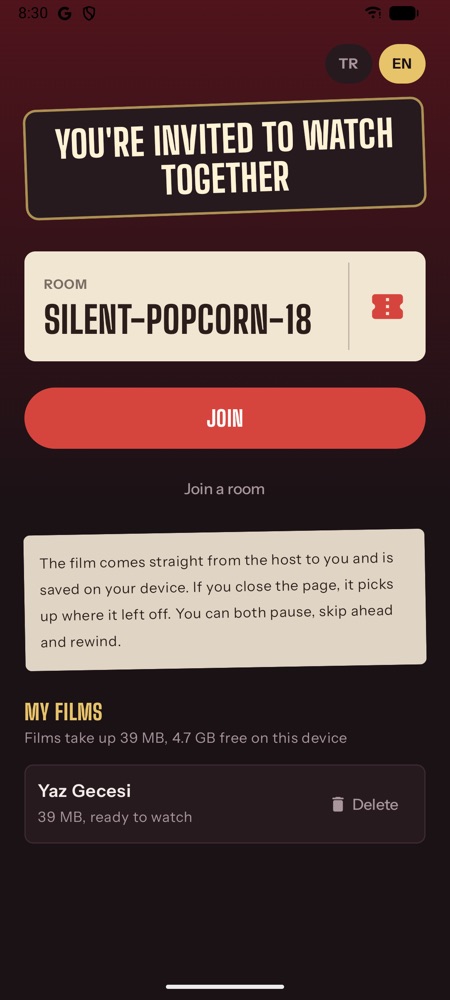
Each film gets a fingerprint: a SHA-256 of its size plus its first and last 4 MiB. It’s quick to compute even for a big file, and it means a film you already downloaded is recognised next time. Downloaded films stay on the guest’s device under “My films” for later. And the film’s name is deliberately kept out of the invite link, so a link pasted into a chat doesn’t tell anyone what you’re watching.
Keeping two players in step
Sync sounds simple until you try it. The host sends the player state four times a second. If the guest drifts more than a second away (0.3 seconds for YouTube, since its seeks land late anyway), it jumps. Smaller gaps are fixed by quietly playing up to 10% faster or slower until the two meet again, which you don’t notice while watching. That’s the part I’m happiest with. The best sync is the kind nobody sees.
Talking during the film
The point of watching together is reacting together, so there’s:
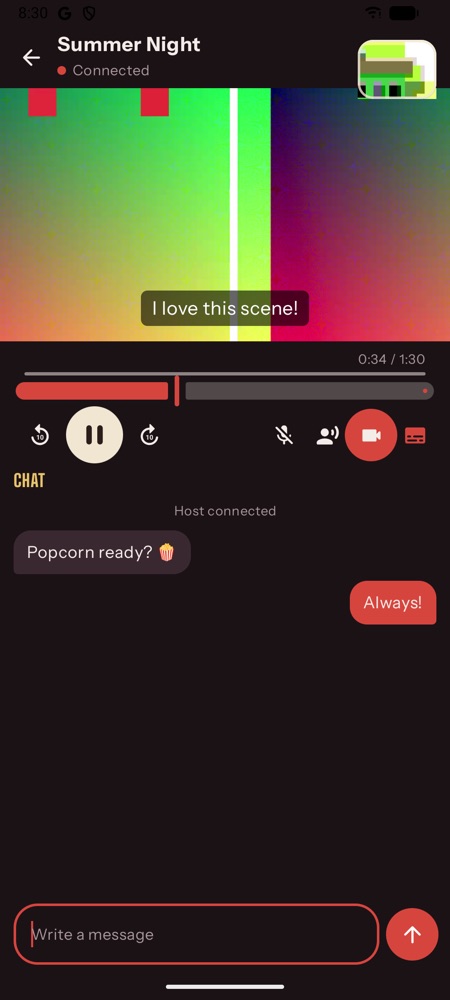
- Text chat next to the film.
- Voice chat, with the mic off until you turn it on. There’s an optional switch that lowers the film while the other person is talking, so you don’t have to pause to hear a comment.
- Camera bubbles. Small on purpose (320×240 at 15 fps) so they never compete with the film for bandwidth. You can drag them into a corner, and tapping one makes it bigger.
- Shared subtitles. Load an .srt or .vtt once and both sides get it. If they’re out of time with the film, you shift them together.
The little things that took the longest
- MKV files that play with no sound. Chrome decodes the picture but not AC3 or DTS audio, which is common in MKVs. The film plays in total silence and you assume something is broken. Now the app notices that no audio is being decoded and tells you what’s going on, and that converting to MP4 usually fixes it.
- Invites that open the app. On Android, an invite link opens the installed app straight into the room instead of the browser.
- Background. On a phone, switching to another app for a second shouldn’t drop the room or stop a download. Rooms stay alive in the background, and film downloads run in a foreground service.
- A slow connection missing its first message. On bad networks the control channel could open before the app was listening for it, and the opening message got lost. Small bug, very confusing symptoms.
Web, Android and iPhone in the same room
It started as a web app and the web version is still the quickest way in: nothing to install, works on a laptop. After that came native apps: Kotlin with Jetpack Compose, ExoPlayer and libwebrtc on Android, Swift on iPhone. They speak exactly the same protocol as the web version, down to the byte layout of the file pieces, so a host on a laptop and a guest on a phone end up in the same room without either of them caring. (The iPhone app isn’t on the App Store yet, though.)
Room names are two words and a number, like an adjective, a noun and 42. Easy to read out on the phone if a link won’t do.
No account, no ads, and no film ever passes through my server.
Watch Party is on Google Play, and you can use it in your browser right now. Send the link to someone far away and press play once.