Don't Spill! A Pouring Game Where the Glass Fights Back
Filling a glass from a tap is about the most boring thing you can do in a kitchen. It gets a lot more interesting when the glass isn’t standing on anything.
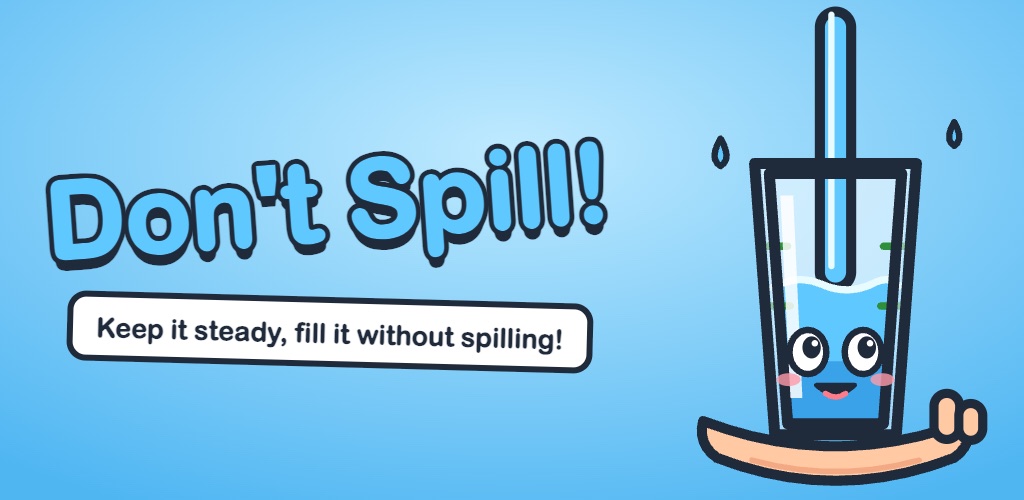
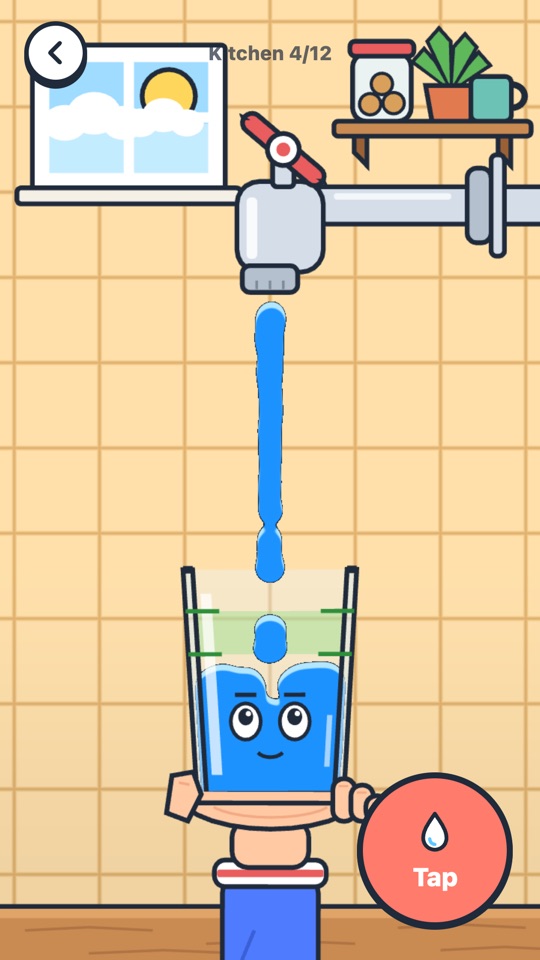
That’s the whole idea behind Don’t Spill! (in Turkish it’s called Taşırma!, roughly “don’t let it overflow”). A glass sits in a cartoon hand, and it won’t stay upright by itself. One finger slides the arm left and right to keep it balanced. The other finger holds down the tap. You fill it to the green band and let go in time.
Two jobs that get in each other’s way
The glass behaves like an inverted pendulum. If its weight drifts past the palm it starts to tip, and if you don’t correct it, it’s on the floor in a second or two. So the balance finger never really rests.
The tap is fixed. When the glass leans right you move the hand right to catch it, and now the stream lands on the rim instead of inside. Saving the glass and filling the glass pull in opposite directions. Most of the game is about that.
On top of that, water in the air keeps falling after you release the tap. You have to stop early and trust that what’s already on its way will land where you want it. Players who wait for the band to fill always overflow, at least the first few times.
The water
The liquid was the part I was least sure about, so it came first. If it didn’t run smoothly on a phone, there was no game. My rule was simple: get it to 60 fps on a real phone with Three.js, or stop and rebuild the whole thing in Unity.
It held up. The water is about 900 particles using double density relaxation (the method from Clavet et al., 2005). Every particle is drawn as a soft blob into a half-resolution texture, and a single full-screen pass turns that blurry field into one flat cartoon body with a dark outline and a light top edge. Up close it looks like a liquid. Underneath it’s 900 dots.
Fast particles and thin glass walls don’t mix: sooner or later a drop slips through a wall. I ended up giving each particle a bit of memory instead. Particles know whether they’re inside the glass. They can only get in through the open top and only get out over the rim. A drop can’t tunnel through the side, and every spill gets counted at the exact spot where it happens. Scoring is based on that.
Glasses and liquids
Each container is a measured profile: its width at every height, plus anything that sticks out, like a handle or a stem. A plain glass, a narrow-necked bottle, a mug, a wine glass, a measuring jug and a pitcher all fill and tip differently.
I expected the wine glass to be the nightmare, with its thin stem and tiny base. In testing it turned out easier than a plain glass. So every container got its own grip and tipping angle, instead of leaving it all to the physics and hoping it feels right.
Liquids got their own quirks too:
- Juice is basically water with colour.
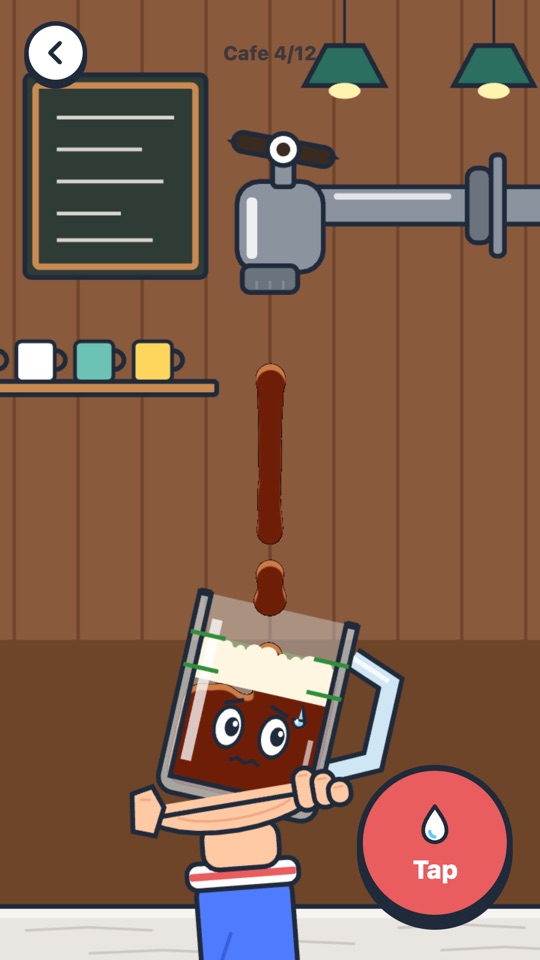
- Soda foams up after you close the tap, so you have to stop even earlier. In the first version the foam never turned back into liquid, and glasses that looked fine failed anyway. Now it settles like real foam.
- Honey pours slowly and keeps dripping for a while after the tap is shut. Annoying in the best way.
Levels, and the tuning that went into them
There are 48 levels across four worlds: Kitchen, Garden, Café and Lab. Later levels throw in a tap with pressure pulses, wind, a tap that slides along its pipe, a hand that gets tired and starts shaking, and several cups in a row. Once you finish the kitchen, an endless mode opens up and keeps getting harder.
Most of the tuning came from playing it on my own phone every day and noticing what felt wrong:
- The first level was impossible to lose and the last kitchen level was way too hard. Both got rebalanced, and the first levels now show a ghost hand doing the motion for you.
- Wind was there, but you couldn’t feel it. It’s three times stronger now.
- On iPhone the first launch was silent. Web Audio and the silent switch don’t get along until you set things up the right way. Sound now starts right away, even in silent mode.
Small things that make it feel alive
Everything is drawn in code. There are no image files for the art: the tap, the hand, the tiles, the glass with its face and moods, all built from Three.js shapes and shaders with an orthographic camera. The sounds are synthesized with Web Audio too. My favourite is the pouring sound: it gets brighter and higher as the glass fills, like it does in real life. With a bit of practice you can almost play by ear.
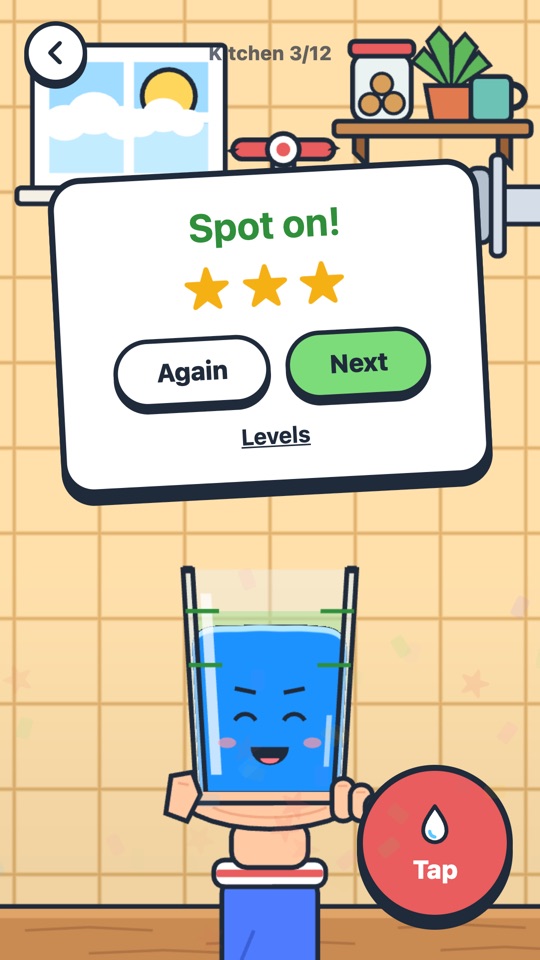
There’s a sweat drop when the glass is about to go, stars that pop on the result card, confetti, and a wardrobe of looks you unlock with stars. If you’d rather tilt the phone than drag a finger, there’s a tilt control option.
Shipping it
The game is plain JavaScript and Vite, with no framework, packaged for Android and iOS with Capacitor. One codebase, a web build for quick testing on the phone, and two native shells around it.
A few things I learned getting it out:
- The Android emulator showed a blank screen. It wasn’t my code, the emulator just couldn’t create a WebGL context. Real phones were fine. Still, a blank screen is the worst possible message, so if WebGL is missing the game now says so.
- Google Play Games leaderboards for the endless mode and total stars, plus Game Center on iOS.
- Progress used to be lost on reinstall. Version 1.0.1 keeps it in Play Games saved games on Android and in iCloud on iPhone. When the two copies differ, the game keeps the best of both: highest stars, best scores, earliest achievement dates.
No ads, no purchases, no accounts. It works offline, and a round takes about a minute.
Don’t Spill! is on Google Play. You can also play it in your browser. It works best on a phone, held upright. The iPhone version is still in App Store review.
If you try it, I’d like to hear which glass made you give up. My bet is the honey levels in the lab.