Cumbus Wars: Rewriting a Browser Game in Unity
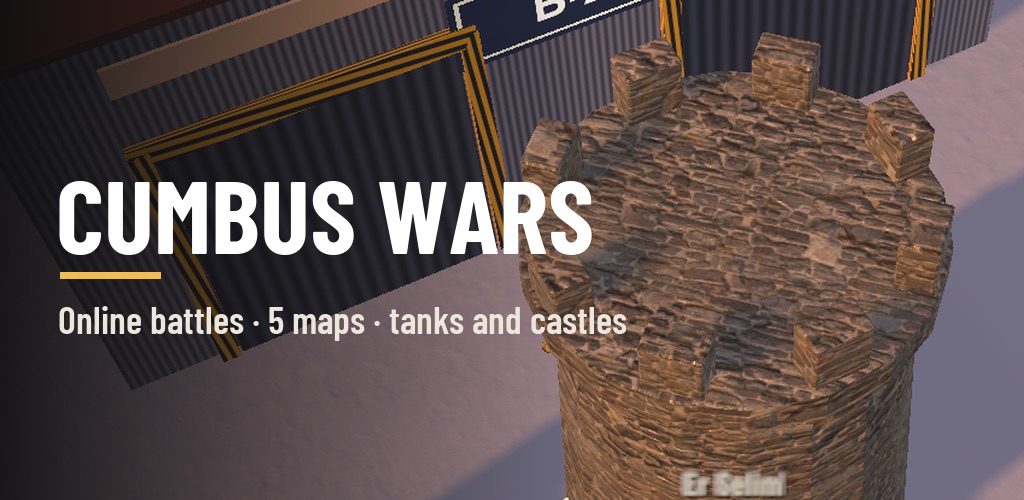
Cumbus Wars started as a browser game: a small battlefield drawn with Three.js, players connected to each other over WebRTC, scores kept in Redis. It was enough for an evening with friends. On a phone, though, something was always missing. The touch controls felt bolted on, weaker phones struggled, and a browser game never quite felt like an app.
So I wrote the second version from scratch in Unity, for phones first. The rule I set myself was simple: forget the web version, this is a different project. From the old code I only took the numbers: weapon damage, the tank’s health, the price of a castle, the terrain functions of the maps. Everything else is new.
What the game is
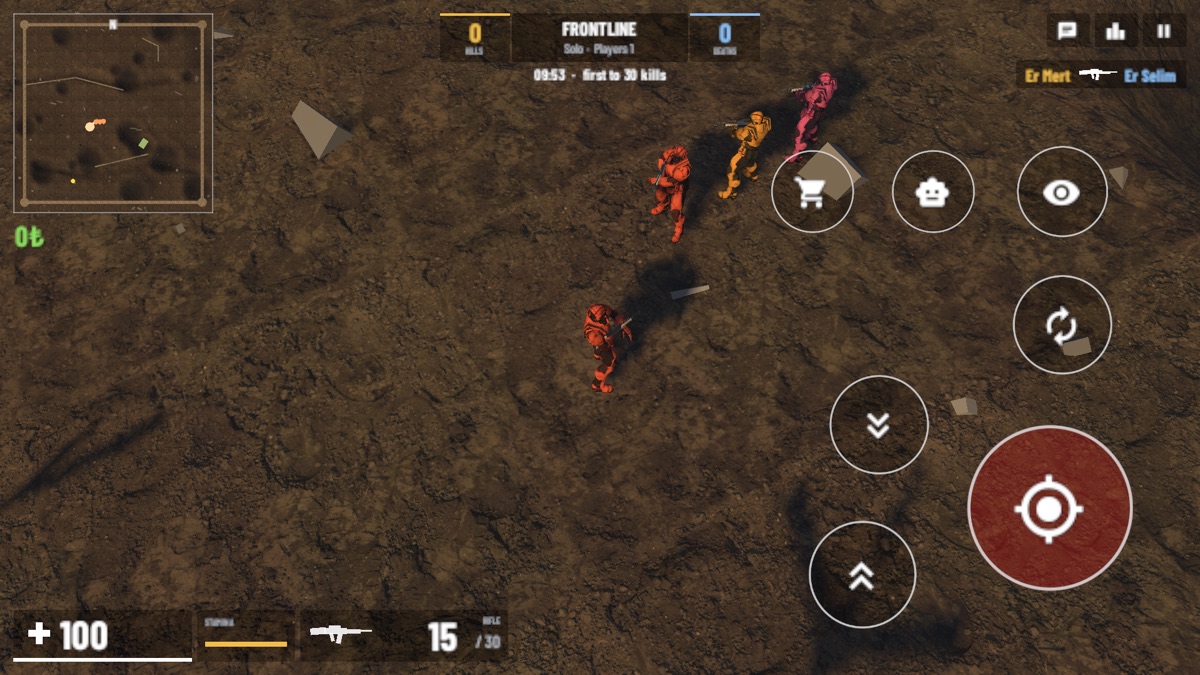
A fast free-for-all. A match lasts 10 minutes, or until someone reaches 30 kills. Then the winner and the rankings appear, and 12 seconds later a new match begins.
Everyone starts with a rifle and no money. Money comes from three places: coins that drop on the field, hitting players (headshots pay more) and hitting bots. You can spend it on three things:
- Guns: a pistol, a shotgun or a sniper rifle. A gun you buy stays with you when you die; in the next match everyone is back to the rifle.
- The tank: there’s one on each map. Its cannon takes a soldier out in one shot; rifle fire wears it down slowly, but it isn’t invincible.
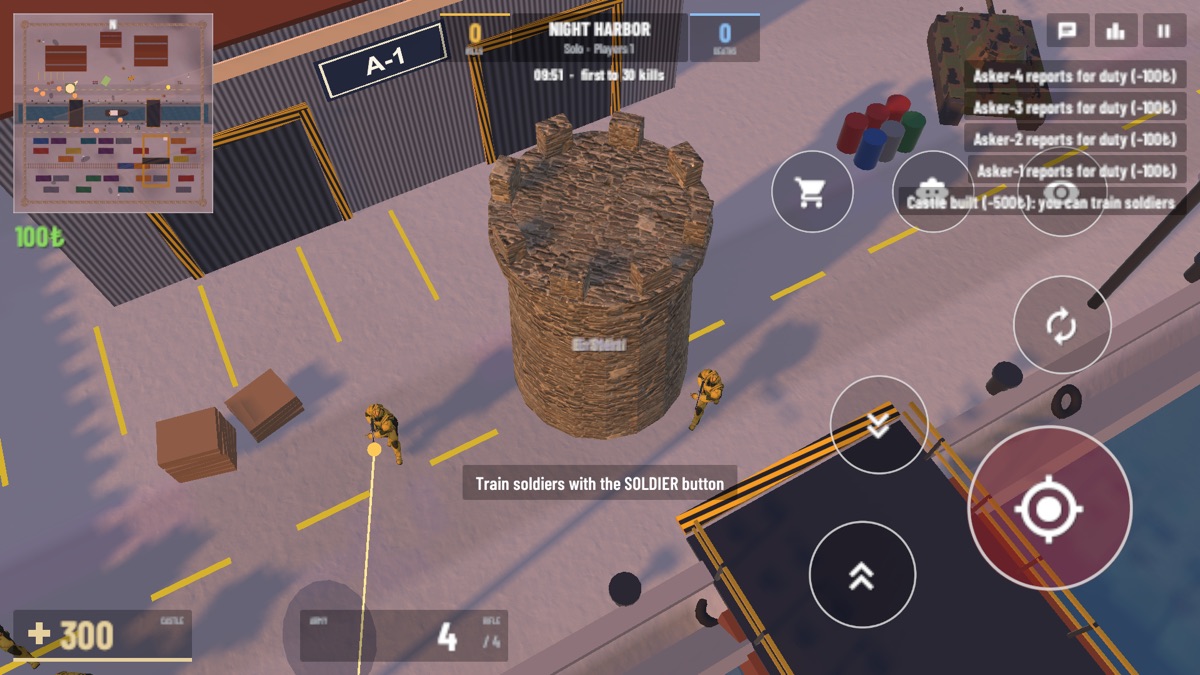
- A castle: it rises where you stand and you become a commander. You can no longer walk or shoot, but you train your own soldiers and send them to fight. Their kills count as yours. If the castle falls, your army goes with it.
The choice between those three is the real decision in the game: put your money into a better gun, or step out of the fight for a while and build an army?
Five maps, one only in this version
Frontline, Desert Town, Frost Valley and Night Harbor came from the web version. They were ported one to one, with the same terrain functions and the same seeded placement of props.
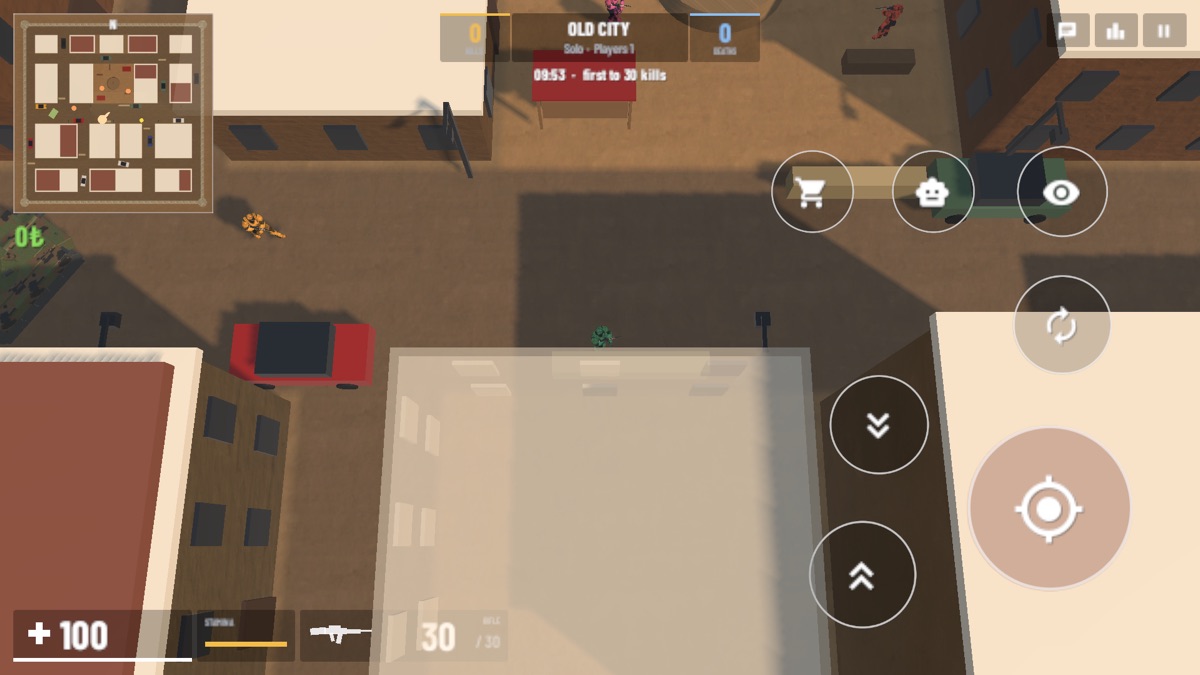
The fifth, Old City, exists only in this version, and it was the map I spent the most time on. Blocks of one- to three-storey houses, narrow streets between them, two-metre alleys a tank can’t fit through, a square with a fountain in the middle. Parked cars, sandbags and market stalls are your cover. The tank only moves comfortably along the main street, and castles can only go up in open places.
A map full of houses brings its own problem in a top-down game: when a house gets between the camera and your soldier, you can’t see your soldier. The fix is that the house in the way turns half transparent in a fifth of a second, and comes back once you’ve moved on.
Aiming on a phone
The hardest part of a shooter on a phone is the controls. The left half has a movement stick, the right half aims, and a big red fire button sits bottom right. Aiming and looking around never fire. I kept them apart on purpose, because firing by accident while you look around is the most annoying thing on a phone.
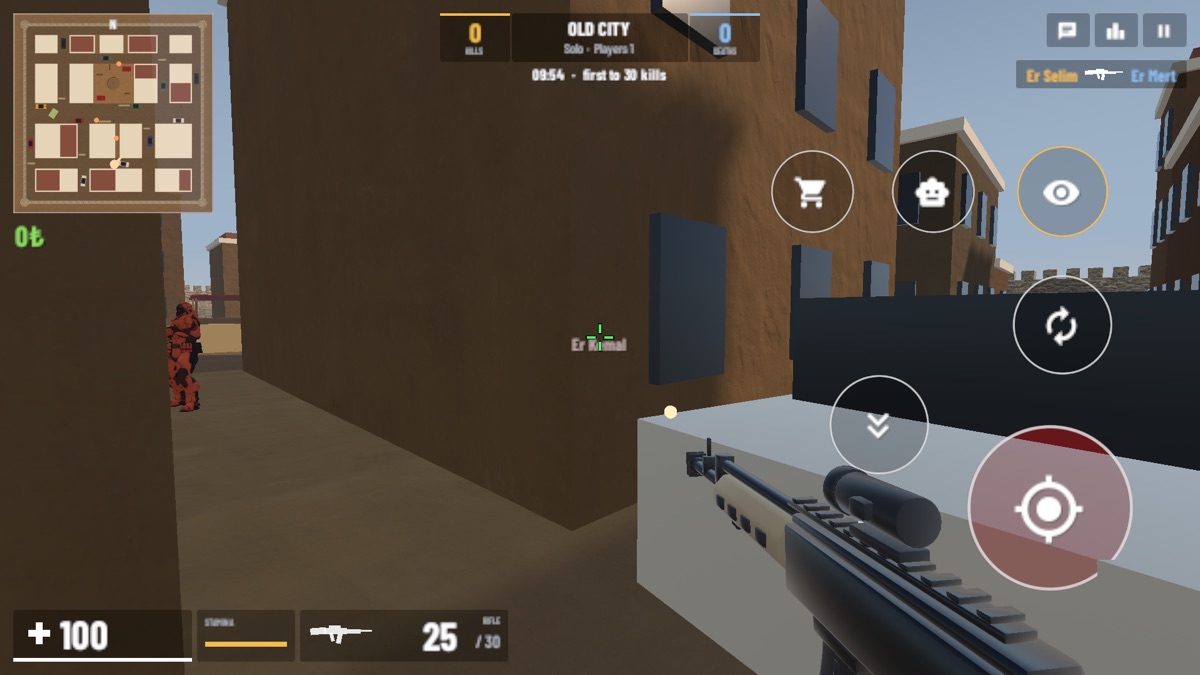
There are two views: top-down and first person. In first person there’s an optional aim assist. When the crosshair gets close to an enemy, looking slows down a little, partly follows the enemy’s movement, and while you fire it pulls gently towards the body. It doesn’t lock on; it only smooths out a rough thumb. On a computer it’s WASD, the mouse and left click. The game works out which device it’s on and picks the controls itself.
Phones and browsers in the same match
For networking I used Unity’s Netcode with its Relay and Lobby services. The device of the player who started the match is also the server: it decides hits, hands out money and handles purchases. Quick Match drops you into an open match in seconds, or you can create a room and share its code or an invite link.
Unity’s web build joins the same rooms over WebSockets. So players on phones, tablets and browsers meet in the same match without any of them noticing. Without internet you can play with devices on the same Wi-Fi, or alone against bots.
Two things mattered to me in particular:
- The match doesn’t end when the host leaves. The session hands the match to one of the remaining players. The new host sets the bots and the tank up again and everyone connects to them.
- If your connection drops, you go back to the same room. The game says “Connection lost, reconnecting…” and puts you back automatically. Your score and money are tied to your account, so they aren’t lost.
Bots fight each other too
At first I wrote the bots to attack only players. Matches with few people felt empty and repetitive because of it. Once the bots started attacking each other too, the map suddenly came alive.
Bots have three difficulty levels. A bot below half health runs to a nearby spot the enemy can’t see, crouches, and comes back to the fight a few seconds later. A bot that spots an enemy calls nearby bots into the same fight. It climbs into a tank nobody has used for a while, and gets out when the tank is damaged. So they don’t get stuck in Old City’s narrow streets, they pick their way by probing which directions are open. That part took the most trial and error.
The delay of sound
The thing that adds the most atmosphere is a cheap trick: the speed of sound. You see a distant shot first, and its sound arrives later, at 343 metres per second. The further away it is, the more muffled it gets, with an echo trailing behind; stronger in Desert Town and the harbor, weaker in the snow. A bullet passing your head whizzes. Footsteps change with the ground: a crunch in the snow, hard ground at the harbor, earth on the front.
Most sounds aren’t recordings. They’re generated from the web version’s synthesis code and turned into WAV files when the project is set up.
What I dropped, and what came later
- Voice chat. The first version had it, but in Unity’s web build the audio never reached the other side. Since phones and browsers can share a match, I chose to remove it rather than ship a half-working feature. Text chat stayed.
- Reporting and blocking. It’s a game with chat between strangers, so App Store review asked for it. You can block or report a player from the scoreboard, and chat has a word filter.
- A faster start on the web. The first download was about 40 MB; it’s now about 27 MB. Textures are packed in separate formats for phones and computers, and the browser downloads the one it can use. If the frame rate stays low for a while during a match, the graphics quality drops a step by itself.
No account, no ads, no in-app purchases. Turkish and English.
Cumbus Wars is on Google Play. If you’d rather try it without installing anything, you can play it in the browser and join the same match as a friend on their phone. (The iPhone version isn’t on the App Store yet.)